
You don't have to stop shopping online to stay safe—you just need to shop smart. Practice these essential security habits to shield your funds from e-commerce fraud:
Shop only on trusted and secure platforms
-
Stick to the pros: Use well-known e-commerce sites or verified, reputable merchants.
-
Check the URL: Before entering any details, verify that the website address begins with https:// (the "s" stands for secure).
-
Look for trust signs: Always cross-check customer reviews, ratings, and the merchant's official social media presence before making a purchase from a new vendor.
Guard your personal and payment information
-
Keep secrets secret: Never share your One-Time Passwords (OTPs), PINs, account passwords, or card CVVs (the 3-digit code on the back of your card) with anyone.
-
Don't save card data: Avoid saving your card details on unfamiliar or lesser-known websites. Only input payment information through secure, verified payment gateways.
-
Use secure payment methods: Opt for payment methods that come equipped with robust buyer protection features.
Practice strong digital hygiene
- Create robust passwords: Use strong, unique passwords for every single shopping account, and avoid reusing the same password across multiple platforms.
- Turn on Multi-Factor Authentication (MFA): Enable MFA or two-step verification on your accounts whenever it is available to add an extra layer of defense.
- Keep devices updated: Regularly update your smartphone operating system, web browser, and shopping apps to patch security vulnerabilities. Strictly download apps from official platforms like the Google Play Store or Apple App Store.
Be alert to fake communications and networks
-
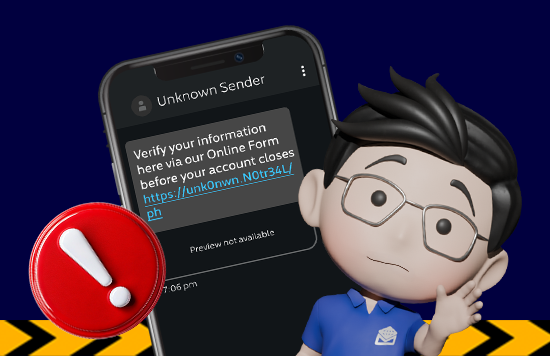
Think before you click: Do not click on links embedded in unsolicited emails or SMS messages. Always verify ongoing promotions or deals directly on the brand's official website or app.
-
Double-check senders: Scrutinize sender email addresses or phone numbers for subtle misspellings or anomalies.
-
Say no to public Wi-Fi: Avoid shopping online or logging into your banking apps while connected to public Wi-Fi networks. Use your mobile data, a secure private network, or a Virtual Private Network (VPN) if a public connection is unavoidable
Monitor your transactions
-
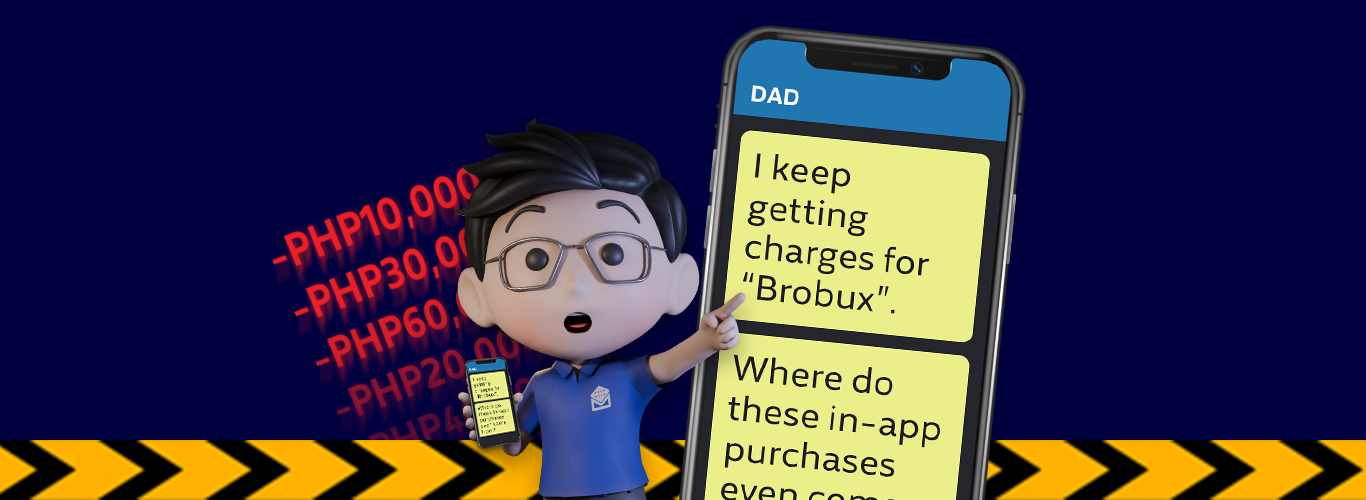
Track your spending: Regularly audit your bank statements and e-wallet history to catch any unusual activity early.
-
Turn on alerts: Enable real-time transaction notifications through your banking app so you are instantly aware of any movement in your account.
🛡️ Spotted suspicious activity? Act fast!
If you notice any unauthorized or unusual transactions on your Metrobank account, do not wait. Report the incident immediately to protect your funds.
If you suspect that your Metrobank account details or cards have been compromised due to a travel scam, report it immediately by calling the Metrobank Contact Center at (02) 88-700-700 or domestic toll-free at 1-800-18-88-5775, or email us at customercare@metrobank.com.ph.