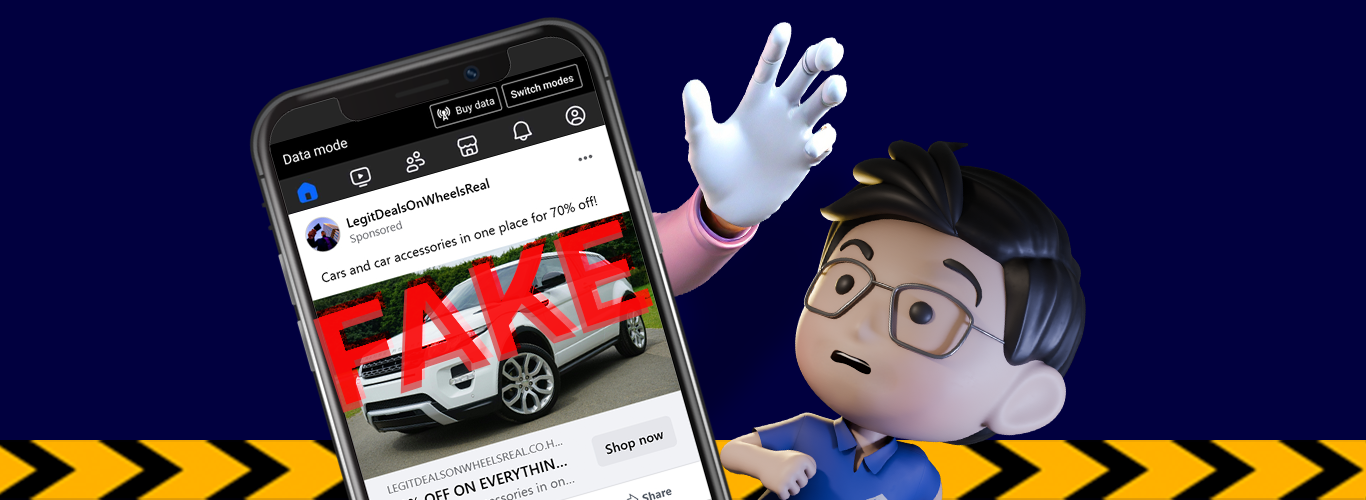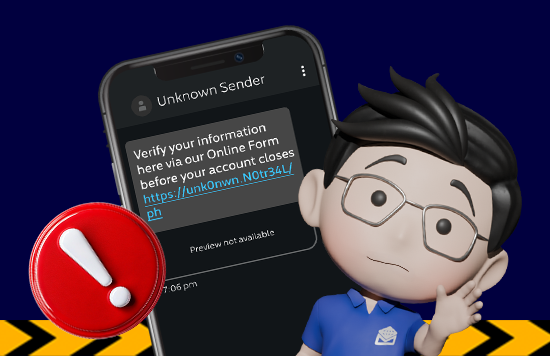
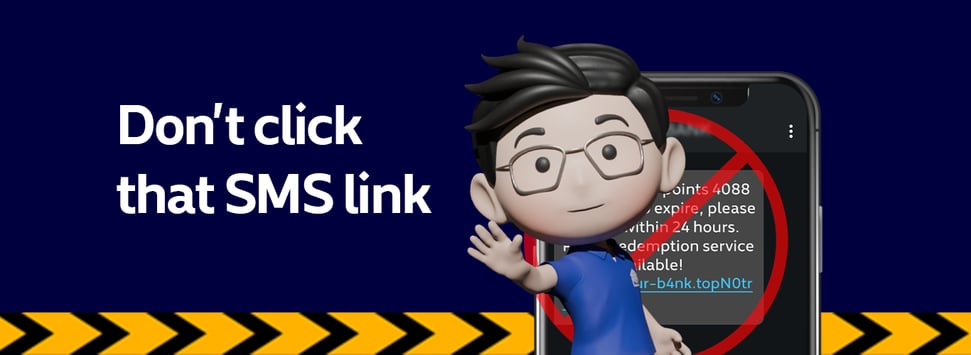
If there's a clickable link in SMS, Email, or Viber from Metrobank, it's a scam.
Scammers often include clickable links in their messages. These may lead to fake websites that ask for sensitive information or install malicious software, putting your security at risk.
As scammers become more creative in their attempts to steal information through smishing (SMS phishing) and international mobile subscriber identity (IMSI) spoofing, it’s important to stay alert.
Metrobank emails, SMS, and Viber messages do not include clickable links or buttons. If you receive a message with one, it’s not from us. DO NOT CLICK.
New modus operandi to watch out for
Scammers are currently using these tactics to trick you into clicking links or sharing your OTP:
-
Rewards conversion to cash: You receive an SMS claiming your earned points or rewards are about to expire and can be converted into “instant cash” by clicking a link.
-
Package delivery issues: You receive a message claiming a delivery failed or that there is an unpaid fee for a package. A link is provided to “track” or “pay,” leading to a fake site that steals your card details.
-
Account information update: A “system upgrade” or “security alert” message warns that your account will be blocked unless you verify your details through a provided link.
Social media hijacking: Protect your circle
Scammers can take over the social media accounts of people you know and pretend to be them. They may send urgent messages asking for cash or transfers, often claiming there is an emergency.
Watch out for these red flags:
-
Messages that do not sound like your friend or relative’s usual tone
-
Sudden posts about investments, crypto deals, or “easy money” you do not usually see from them
-
Unexpected and urgent requests for cash or bank transfers
Pro tip: If something feels off, pause and verify. Contact your friend or relative through another channel, such as a phone call or a different messaging app, to confirm the request.
Here’s what you should do if you receive a suspicious message from Metrobank
-
Do not click the link or button
-
Do not respond to the message
-
Never share your bank or personal information
-
If you receive a suspicious message, report the incident to customercare@metrobank.com.ph, or call (02) 88-700-700 or 1-800-1888-5775
-
Block the sender
-
Delete the message
Important reminders
-
Metrobank will never ask you to share or verify your bank and personal information through texts, emails, chats, or phone calls.
-
Official communication: Always use the official Metrobank App or website by typing the address directly into your browser.
Read BSP’s recommended control measures against cyber fraud, including the removal of clickable links in messages sent to customers in Memorandum No. M-2022-015.
Clicking on external references will redirect you to the Bangko Sentral ng Pilipinas website where privacy policies and terms and conditions are different from Metrobank's.